-
![]()
Joey Albert
Joey has been involved with tech ever since she joined the EaseUS editor team in March 2011 and now she is a senior website editor. She is good at solving various issues, such as video downloading and recording.…Read full bio -
![]()
Alin
Alin is a sophisticated editor for EaseUS in tech blog writing. She is proficient in writing articles related to screen recording, voice changing, and PDF file editing. She also wrote blogs about data recovery, disk partitioning, data backup, etc.…Read full bio -
![]()
Gorilla
Gorilla joined EaseUS in 2022. As a smartphone lover, she stays on top of Android unlocking skills and iOS troubleshooting tips. In addition, she also devotes herself to data recovery and transfer issues.…Read full bio -
![]()
Rel
Rel has always maintained a strong curiosity about the computer field and is committed to the research of the most efficient and practical computer problem solutions.…Read full bio -
![]()
Dawn Tang
Dawn Tang is a seasoned professional with a year-long record of crafting informative Backup & Recovery articles. Currently, she's channeling her expertise into the world of video editing software, embodying adaptability and a passion for mastering new digital domains.…Read full bio -
![]()
Sasha
Sasha is a girl who enjoys researching various electronic products and is dedicated to helping readers solve a wide range of technology-related issues. On EaseUS, she excels at providing readers with concise solutions in audio and video editing.…Read full bio
Page Table of Contents

Gorilla
Updated on Mar 06, 2026
0 Views |
0 min read
Marvel Rivals is one of the most exciting fighting games on PC, letting players battle their favorite superheroes and villains. However, many gamers find that Marvel Rivals keeps crashing on PC, especially during startup or right after the launch. Crashes can range from the game abruptly closing, to freezing the entire system, or showing Unreal Process errors. In this guide, we'll explain why these crashes happen, how to fix them, ways to stop Marvel Rivals from crashing on PC, and even how to make your multiplayer matches more fun.
Why Does Marvel Rivals Keep Crashing
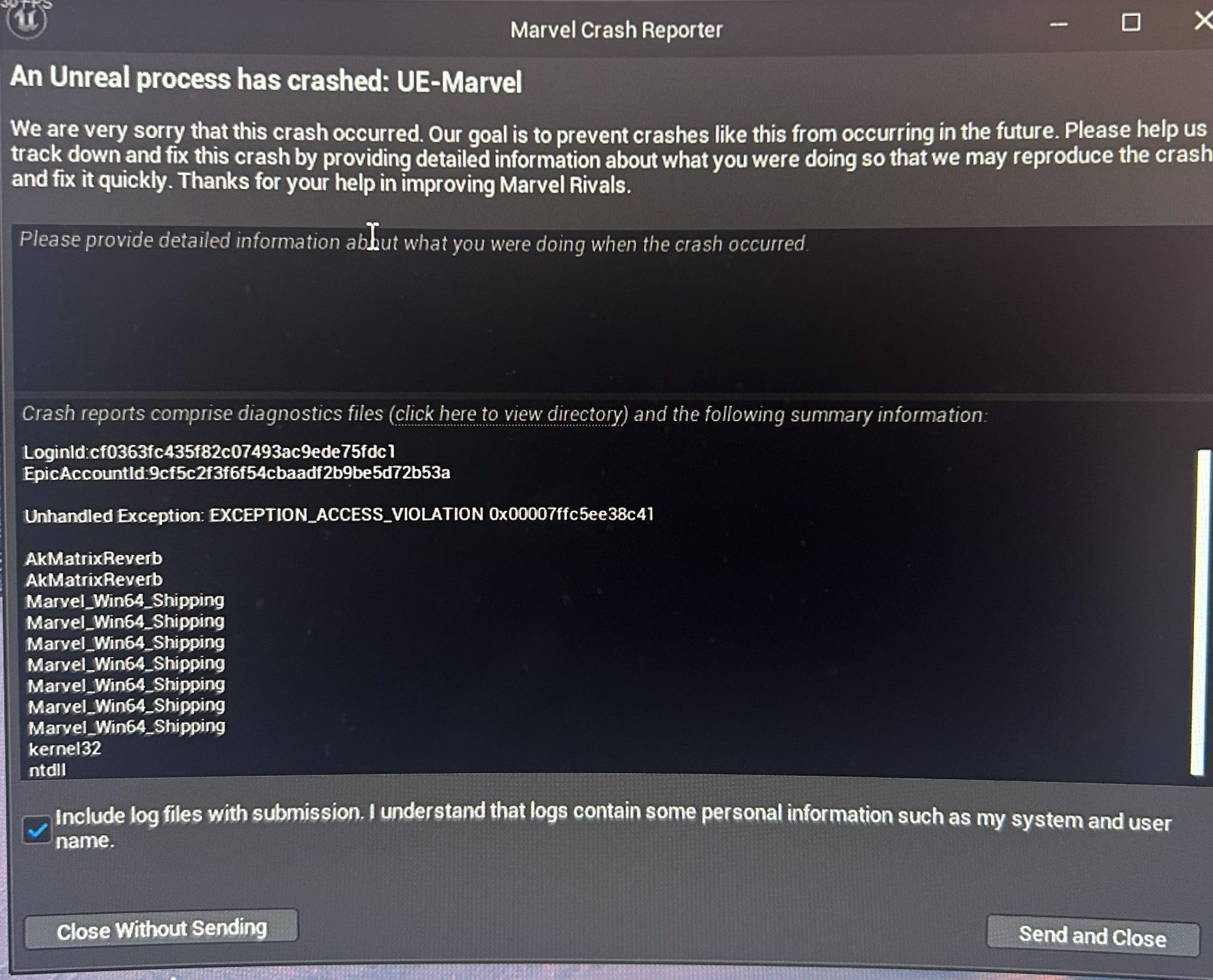
Crashes in Marvel Rivals occur for several reasons, and Reddit communities confirm that they can affect all types of PCs:
✅Outdated Graphics Drivers – Old GPU drivers can cause crashes during startup or on launch, often showing error messages related to Unreal Engine.
✅Corrupted Game Files – Missing or corrupted files may trigger repeated crashes or prevent the game from starting properly.
✅Software Conflicts – Background apps, overlays like Discord or Xbox Game Bar, and antivirus programs can interfere with the game, causing it to keep crashing.
✅Insufficient System Resources – Low RAM, CPU, or GPU performance can make the game unstable during heavy action scenes.
✅Game Optimization Issues – Even high-end PCs can experience crashes due to Unreal Engine 5 compatibility problems.
✅Overheating – If your PC overheats, Marvel Rivals may crash or freeze to protect hardware.
Understanding these causes helps you apply the right fixes to prevent repeated crashes.
How to Fix Marvel Rivals Crashing on PC
Here are some effective ways to fix Marvel Rivals crashing PC on launch and other common errors:
#1. Update Your Graphics Drivers – Download the latest drivers from NVIDIA, AMD, or Intel to resolve compatibility issues.
#2. Verify or Reinstall Game Files – On Steam or Epic, verify the integrity of the game files, or uninstall and reinstall to fix corrupted files.
#3. Delete Crash Logs – Removing files from the crash logs folder can sometimes stop recurring Unreal Engine errors.
#4. Close Conflicting Apps – Disable overlays and temporarily pause antivirus programs to reduce startup crashes.
#5. Adjust Graphics Settings – Lower resolution, reduce effects, or tweak performance settings to prevent crashes caused by high GPU or CPU load.
#6. Rollback Drivers if Needed – Some Reddit users report that rolling back GPU drivers to a previous stable version can stop the game from crashing on PC.
#7. Try a Different Launcher Version – If using Epic Games, some players found switching to Steam reduced crashes, and vice versa.
#8. Advanced Tweaks – Adjusting shader cache or frame rate limits may help on certain systems.
Following these steps can resolve most crash issues and help you enjoy a smoother gaming experience.
✍️Tips to Prevent Future Crashes
To prevent Marvel Rivals from continuing to keep crashing on PC, regularly update your graphics drivers and game patches, as outdated software is a common cause of startup errors. Avoid running heavy programs in the background while launching the game, and ensure your PC stays cool to prevent overheating.
Using performance optimization tools can free up system resources, and regularly backing up save files ensures that unexpected crashes don't result in lost progress. By maintaining your system and following these practices, you can stop Marvel Rivals from crashing on PC and enjoy more stable gameplay.
Tips to Make Marvel Rivals More Fun🎮
Even though crashes can be frustrating, there are many ways to make your Marvel Rivals experience more exciting:
1️⃣Try Different Character Combos – Experiment with unexpected hero-villain matchups to discover unique abilities and strategies.
2️⃣Challenge Friends in Custom Matches – Set up fun rules or handicaps with friends to create memorable battles.
3️⃣Complete Daily and Weekly Events – Engage in special challenges for rare rewards and keep the game fresh.
4️⃣Roleplay with a Voice Changer – Add an extra layer of fun in multiplayer matches by changing your voice to match your favorite characters. Tools like EaseUS VoiceWave allow real-time voice effects so you can sound like Iron Man, Thor, Loki, or even create funny custom voices.
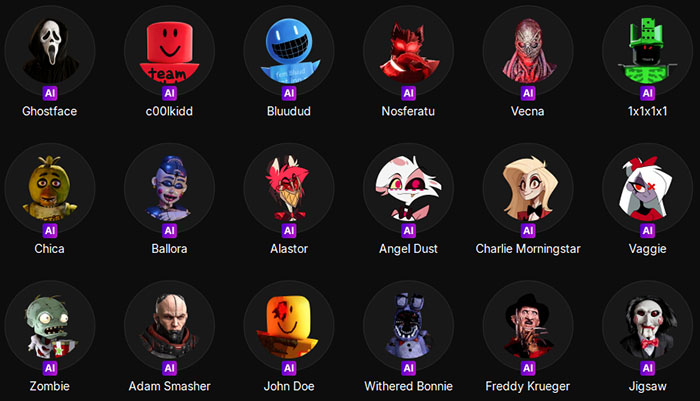
By combining traditional gameplay tips with creative tools like a voice changer, you can make every match in Marvel Rivals more immersive and entertaining.
Conclusion
If Marvel Rivals keeps crashing on PC, most issues can be resolved by updating drivers, verifying game files, closing conflicting apps, and adjusting graphics settings. Advanced steps like deleting crash logs, rolling back drivers, or switching launcher platforms may also help stop persistent startup errors. Following these solutions and preventive tips ensures smoother gameplay. For an extra layer of fun, using a Marvel Rivals voice changer like EaseUS VoiceWave can turn every multiplayer match into a memorable experience.
FAQ
1. Can I play Marvel Rivals while using a voice changer?
Yes! Tools like EaseUS VoiceWave allow real-time voice effects without affecting the game or causing errors during launch.
2. Will lowering graphics settings prevent crashes?
Often yes. Reducing resolution and effects helps if your PC struggles, especially during startup or demanding scenes.
3. How can I stop Marvel Rivals from crashing on PC?
Update drivers and game patches, verify or reinstall files, close conflicting apps, adjust graphics settings, delete crash logs, or try different launcher versions.