Real-Time Voice Changing with Low Latency
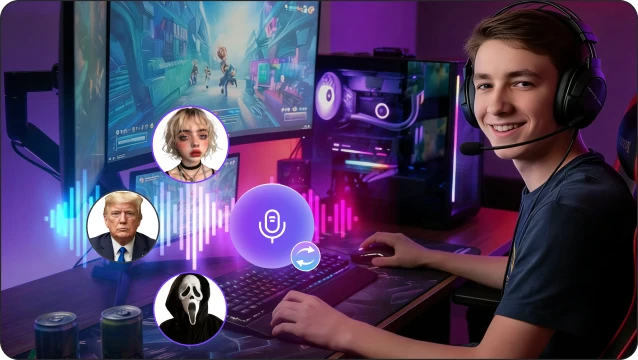
Instantly change your voice during intense FPS matches with ultra-low latency, ensuring every callout, reaction, and team communication stays smooth and perfectly timed.
 GHOST
AI
GHOST
AI
FPS (first-person shooter) games let you experience the action through your character's eyes, making every shot, callout, and decision feel intense and immersive. In competitive online matches, clear and engaging voice chat is just as important as aim and strategy, so many FPS players use voice changers to keep communication fun, creative, and secure.
Which FPS games do you play the most? Choose one game to get tailored voices suggestions.
One click to discover the most popular voice presets used by pro players and creators in your specific battlefield.
Instantly change your voice during intense FPS matches with ultra-low latency, ensuring every callout, reaction, and team communication stays smooth and perfectly timed.
GHOST
AI
Access a massive library of AI-powered voices—from e-girl and anime to robot and zombie—so you can match your in-game persona or create unique squad moments.

Trigger memes, sound effects, and radio commands with hotkeys to enhance team coordination, add humor, or create cinematic in-game experiences.
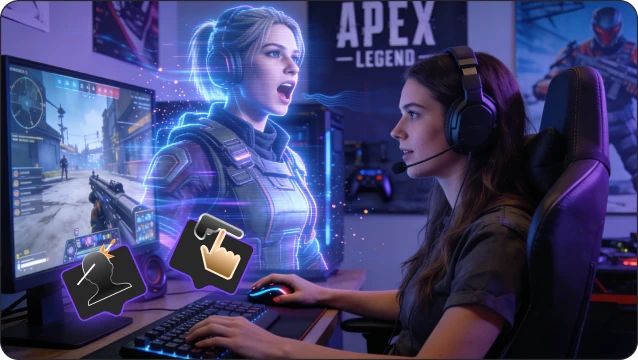
Use EaseUS VoiceWave as a virtual mic across your favorite FPS games, Discord, and OBS, so your voice effects stay consistent wherever you play or stream.
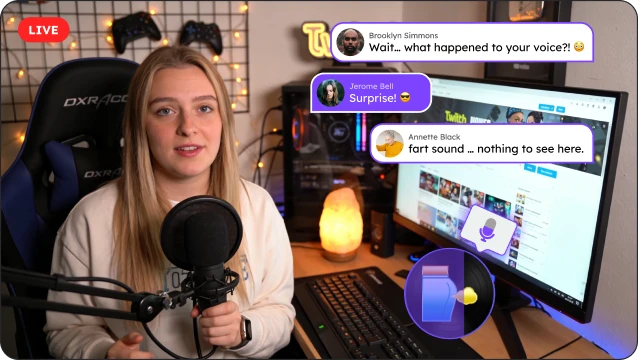
One tool, all games. Experience real-time AI voices across all your favorite FPS titles and platforms















The most popular AI voices used by FPS players now. Preview the top picks for your next match.











Watch how these creators use VoiceWave to confuse lobbies, pull epic pranks, and create viral FPS comedy.

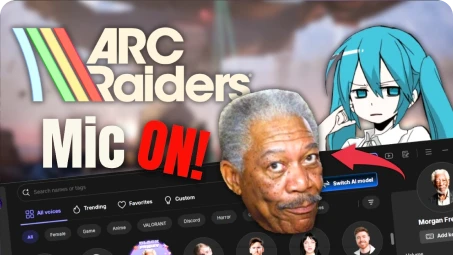
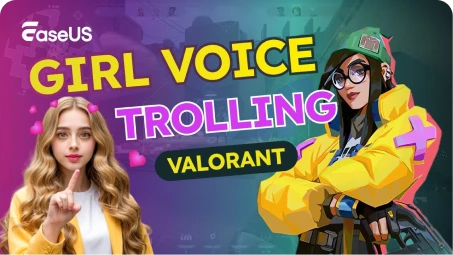
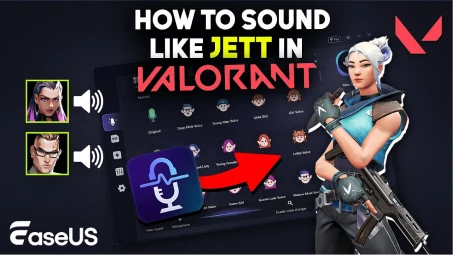
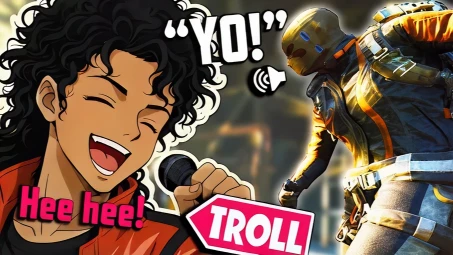
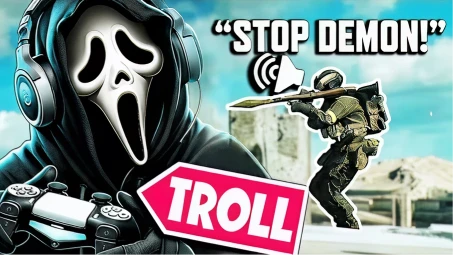
Sometimes voice chat or even the whole FPS game can break right when you are ready to play. Instead of guessing what went wrong, follow these quick checks and jump to in-depth guides for popular titles like Battlefield and Call of Duty.
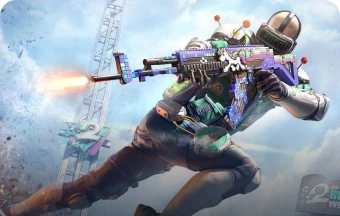
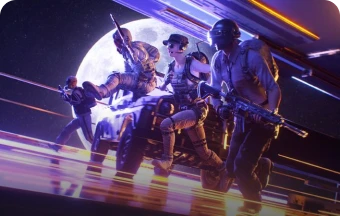
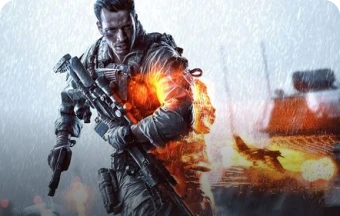
Most FPS games treat voice changers the same as normal microphones, because they only modify your audio input and do not change game files or give gameplay advantages. You should still follow each game's community guidelines and avoid harassment or abusive behavior in voice chat.
A voice changer works on your audio, not your network or graphics, so it generally does not affect in-game ping or frame rate. On most modern PCs, the performance impact is minimal and you can play FPS games smoothly while using real-time voice effects.
Yes. You can use a voice changer to hide your real age, gender, or accent when playing with strangers. This can make it more comfortable to speak in voice chat, especially in competitive FPS matches or open matchmaking.
Usually this happens because the wrong microphone is selected, the game was opened before the voice changer, or another app is locking the audio device. Try restarting the apps, re-selecting the virtual microphone in settings, and checking that no system mute or push-to-talk conflict exists.
Yes, set the voice changer as your default input device and select it in the game's audio settings. This works with built-in voice chat in most FPS games like Warzone, Apex Legends, and Rainbow Six Siege.
Yes, many voice changers, including EaseUS VoiceWave, have presets that mimic character voices, or you can use pitch and tone sliders to get close to popular FPS heroes and villains. Some also have soundboards with iconic lines.

Copyright © EaseUS. All rights reserved.