VoiceWave Logo VoiceWave

Add Fun Voice Effects to Chat Apps
with EaseUS Voice Changer

Make every conversation more engaging with real-time voice effects, AI voices, and soundboard sounds. Whether you're chatting with friends on Discord, joining communities on TeamSpeak, or making calls through WhatsApp, EaseUS VoiceWave lets you transform your voice instantly. From playful pranks to creative roleplay, express yourself in a whole new way.

Popular Ways to Use a Voice Changer in Chat Apps

From making friends laugh in group chats to staying anonymous in public communities, voice changers can transform the way you communicate online. Explore how different voice effects fit naturally into social chats, gaming sessions, random conversations, and everyday interactions across popular chat apps.

Find the Perfect Voice Effect forYour Daily Chat Apps

Wondering which voice suits your social style best? Explore our customized audio suggestions below. Simply select a platform to discover and preview the most compatible voice filters and soundboards. From funny pop characters to high-quality tactical radios, find the exact sound you want to try in your next conversation.

EaseUS VoiceWave: Voice Changer for Live Chat

Make every social conversation more fun and expressive. EaseUS VoiceWave lets you change your voice in real time during chats, calls, and online interactions. With natural-sounding effects and instant switching, it fits perfectly into everyday social communication.

Voice Switching During Conversations

Change your voice instantly while you're talking without interrupting the chat. Whether you're in a Discord call or a casual social conversation, VoiceWave keeps everything smooth and responsive so you can react, prank, or roleplay in real time.

Voice switching during conversations feature preview

Works Across Social Chat Apps

Designed for desktop communication, VoiceWave integrates smoothly with popular voice and messaging apps, making it easy to use in Discord, calling apps, and online social platforms.

Works across social chat apps feature preview

Rich Voice Effects for More Fun

Explore a wide range of voice filters like anime, deep, and character voices, plus built-in soundboard effects for memes, reactions, and live chat moments. Perfect for adding humor, surprise, or personality to social conversations.

Rich voice effects for more fun feature preview

Simple Setup for Instant Use

No complicated configuration needed. Just install VoiceWave on your desktop, select your microphone, and start chatting. It integrates smoothly into your system so you can focus on conversations, not settings.

Simple setup for instant use feature preview

Supported Social Chat Platforms

Compatible with leading desktop voice applications. Enjoy stable, real-time voice optimization that runs smoothly in the background without affecting your chat quality or PC performance.

Real-Time Voice Pranks in Social Conversations

See real-time voice change moments across social chats, from Discord pranks to WhatsApp calls and anonymous chat apps. Creators use anime, celebrity, and ghostface voices to surprise and entertain.
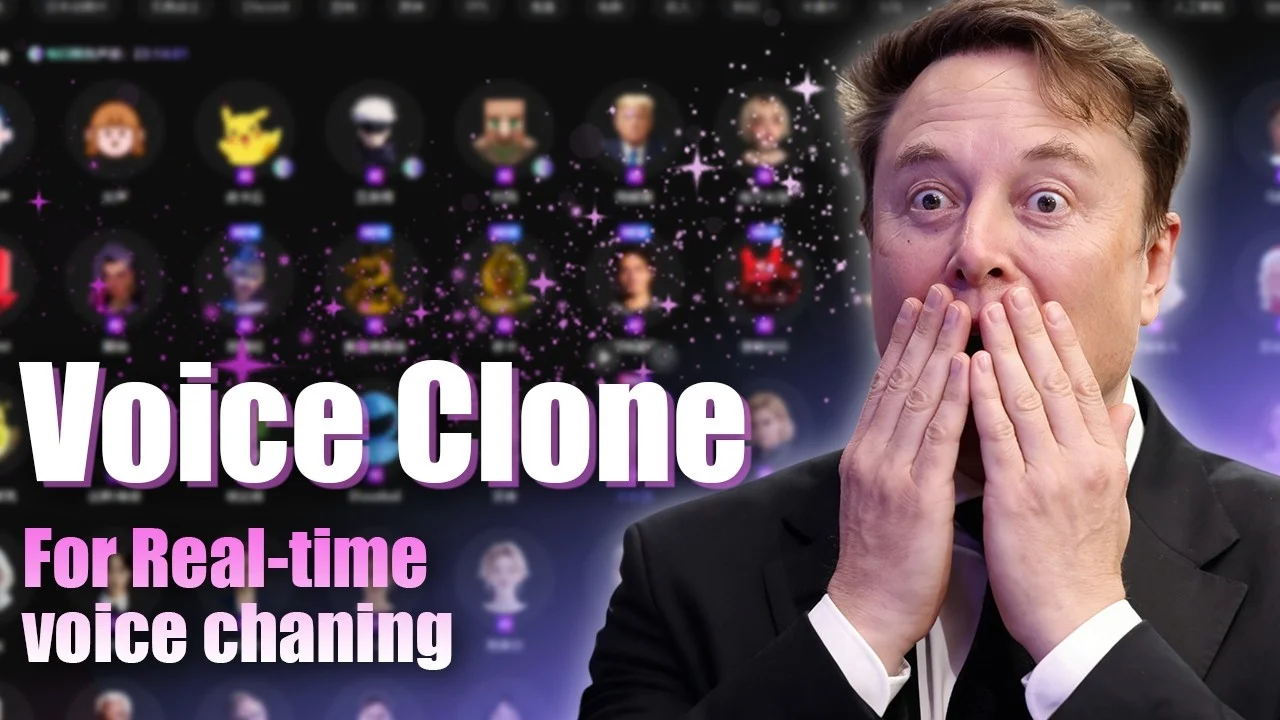
Real-Time Voice Cloning & Voice Chat Pranks

Real-Time Voice Cloning & Voice Chat Pranks

Voice Clone
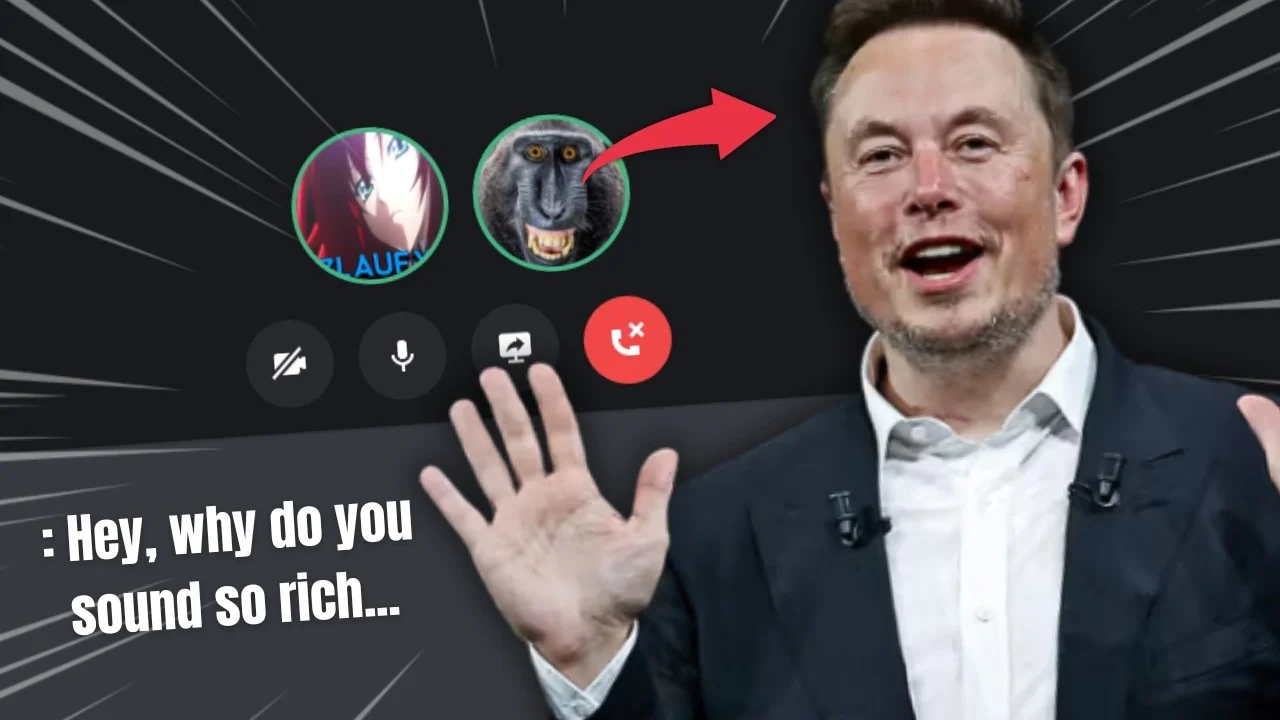
I Used the Best Voice Changer for Discord… and Fooled Everyone!

I Used the Best Voice Changer for Discord… and Fooled Everyone!

Cute Girl Ghostface Elon Musk
How to Sound Like A Girl in Telegram?

How to Sound Like A Girl in Telegram?

Anime Girl Mickey Mouse
WhatsApp Voice Changer: Real-Time Voice Trolling on Calls & Voice Notes

WhatsApp Voice Changer: Real-Time Voice Trolling on Calls & Voice Notes

Anime Girl Taylor Swift
TOP 5 FREE & SAFE Omegle Alternatives

TOP 5 FREE & SAFE Omegle Alternatives

Kylian Mbappe Hatsune Miku
How to Sound Like a Real E-girl & Troll Friends

How to Sound Like a Real E-girl & Troll Friends

E-girl

Online Chat Voice Guides & Resources

Discover tutorials, troubleshooting fixes, and expert tips for voice chat and voice-changing tools across popular social platforms. Whether you're using Discord, TeamSpeak, Facebook, or mobile calling apps, find practical solutions to improve your communication experience.

Frequently Asked Questions

Yes, as long as you use them responsibly and follow the rules of each platform. Voice changers are commonly used for entertainment, gaming, content creation, and privacy protection.

Not necessarily. If configured properly, your voice sounds natural to others, and they will only hear the modified voice, not the process behind it.

Yes. You can switch between different voice effects in real time without stopping the chat, which is useful for live conversations, streaming, or social interactions.

A voice changer processes your microphone input, so audio quality depends on your original mic and system settings. A good setup keeps the output clear and stable for communication.

Most social and chat platforms allow voice modification as long as it's not used for harassment or impersonation. It's commonly used for entertainment, privacy, and content creation.

Common effects include anime-style voices, deep voices, robot tones, celebrity-style voices, and character-based effects used for fun conversations and pranks.

Yes. It's commonly used for casual chats, voice pranks, and social interactions, especially in Discord communities and online chat groups.

footer-bg
Change Your Voice VoiceWave App
Download on the App Store
Free Download