






VoiceWave Logo VoiceWave
Change Voice Now

AI Voices We Pick

AI Facebook Messenger Voice Changer Free for PC

Fun Ways to Use a Voice Changer for Facebook Calls

webp

Prank Your Friends in Group Chats

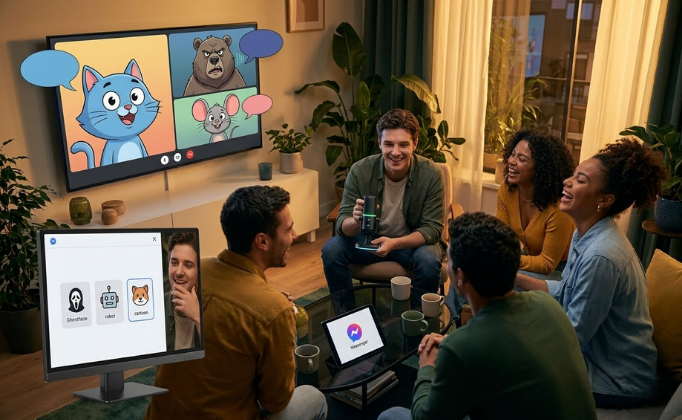
Imagine joining your weekly Facebook Messenger group call, but instead of your normal voice, you answer sounding like a deep-voiced Ghostface or a hilarious cartoon character. It's the ultimate way to catch your friends off guard, break the ice, and get everyone in the chat laughing instantly. Just click a sound preset before you connect, and watch your friends try to figure out who is actually talking.

Download For Free
webp

Level Up Your Gaming Sessions

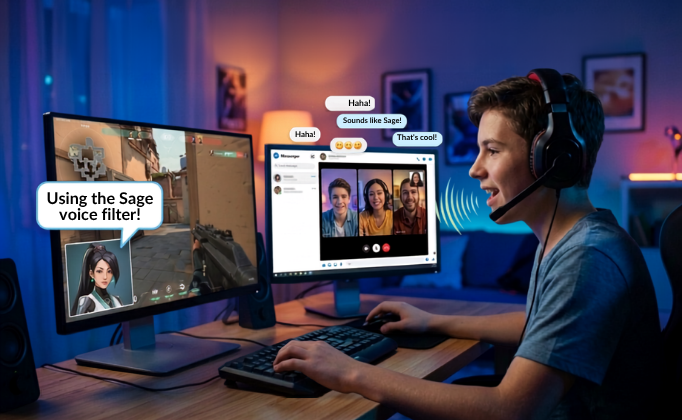
If you and your friends use Facebook Messenger to voice-chat while playing PC games, standard audio can feel a bit boring. Why not match your voice to your in-game character? Switch on a funny/bad mic filter, Valorant Sage, or an anime character to make your gameplay feel ten times more immersive. Plus, you can use the soundboard to play funny sound effects right when you win a match.

Download For Free
webp

Keep Your Voice Anonymous in Public Chats

Sometimes you don't want to share your real voice when talking to strangers in a public Messenger group. Whether you want to mask your age or entirely swap your voice from male to female (or vice versa), EaseUS VoiceWave has you covered. It runs quietly in the background, transforming your voice into a natural-sounding alternative so you can chat freely without exposing your real identity.

Download For Free

Why Choose EaseUS VoiceWave

Presets Icon
Presets Icon

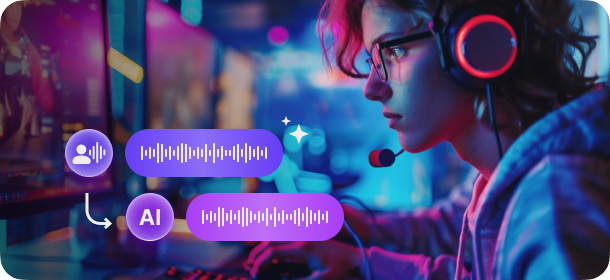
Real-Time Voice Modification

Transform your voice into your favorite anime characters, celebrities, or even different genders instantly, whether in gaming, online chatting, or live streaming with minimal lag or distortion.

Real-Time Voice Modification Preview
Presets Icon
Presets Icon

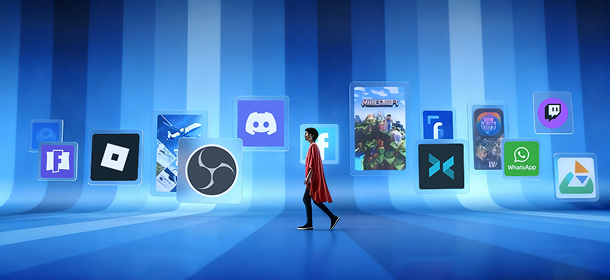
Integration with 2000+ Platforms

VoiceWave supports 2000+ online games (Roblox, Fortnite), stream apps (Twitch, OBS, XSplit) and chat apps (Discord, WhatsApp) for a smooth and effortless experience.

Real-Time Voice Modification Preview
Presets Icon
Presets Icon

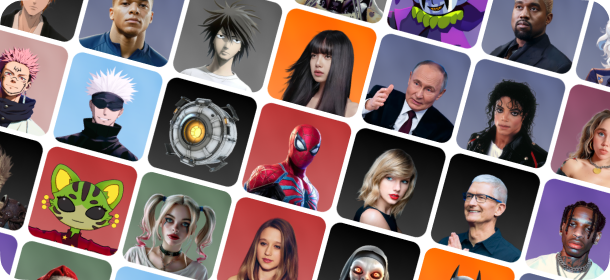
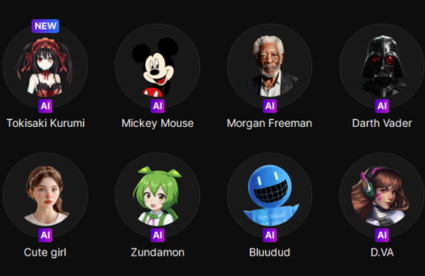
400+ AI Voices

VoiceWave has a voice effect for every mood and occasion. It offers more than 400 AI voice effects, ranging from anime, cartoon, games, sports, to celebrities, and movies.

Real-Time Voice Modification Preview
Presets Icon
Presets Icon

Your Voice Customization

Customize any of our 400+ voices to create a version that's uniquely you. Or start from scratch and create something completely new by tweaking pitch, gender, or age, or add effects.

Real-Time Voice Modification Preview

How to Change Your Voice on Messenger in 3 Simple Steps

Step 1
Step 1

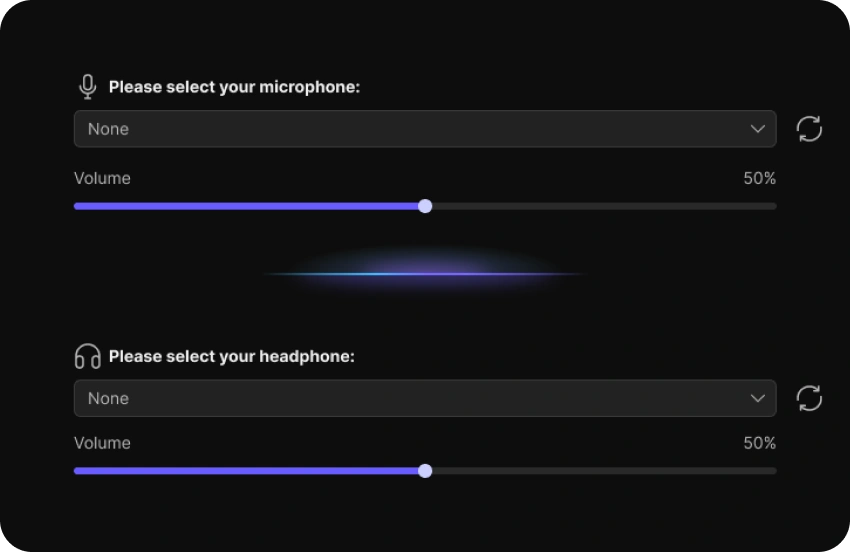
Download and launch EaseUS VoiceWave, then open "Settings" to select your input and output devices.

Step 2
Step 2

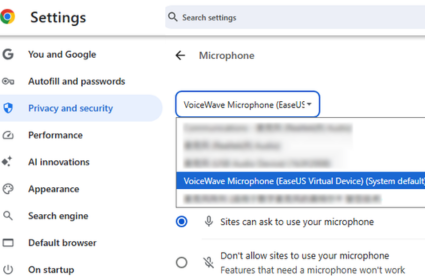
Open your browser's settings (e.g., Chrome Settings > Privacy and security > Site settings > Microphone) to set your default mic to VoiceWave Microphone.

Step 3
Step 3

Go back to the VoiceWave and click on any sound. Leave the software running in the background, start your Facebook Messenger call, and enjoy your new voice in real time!

Our User Stories

User Story 1 youtube-play
Author 1
BareFox
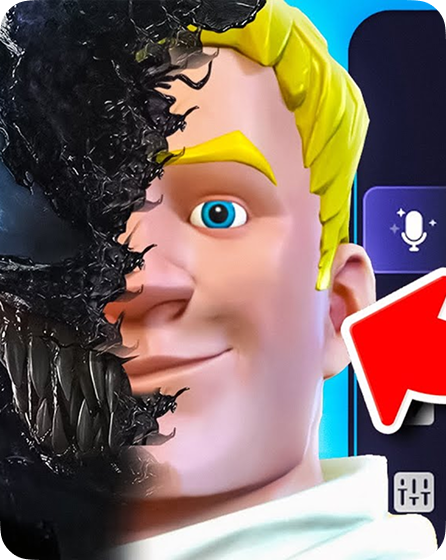
> "So if you are a new content creator or want to take your content to the next level by modulating your voice in real time, then I have something that can change your life. Introducing EaseUS VoiceWave—a one-stop shop solution for complete voice modulation in real time."
User Story 2 youtube-play
Author 1
Jakynol
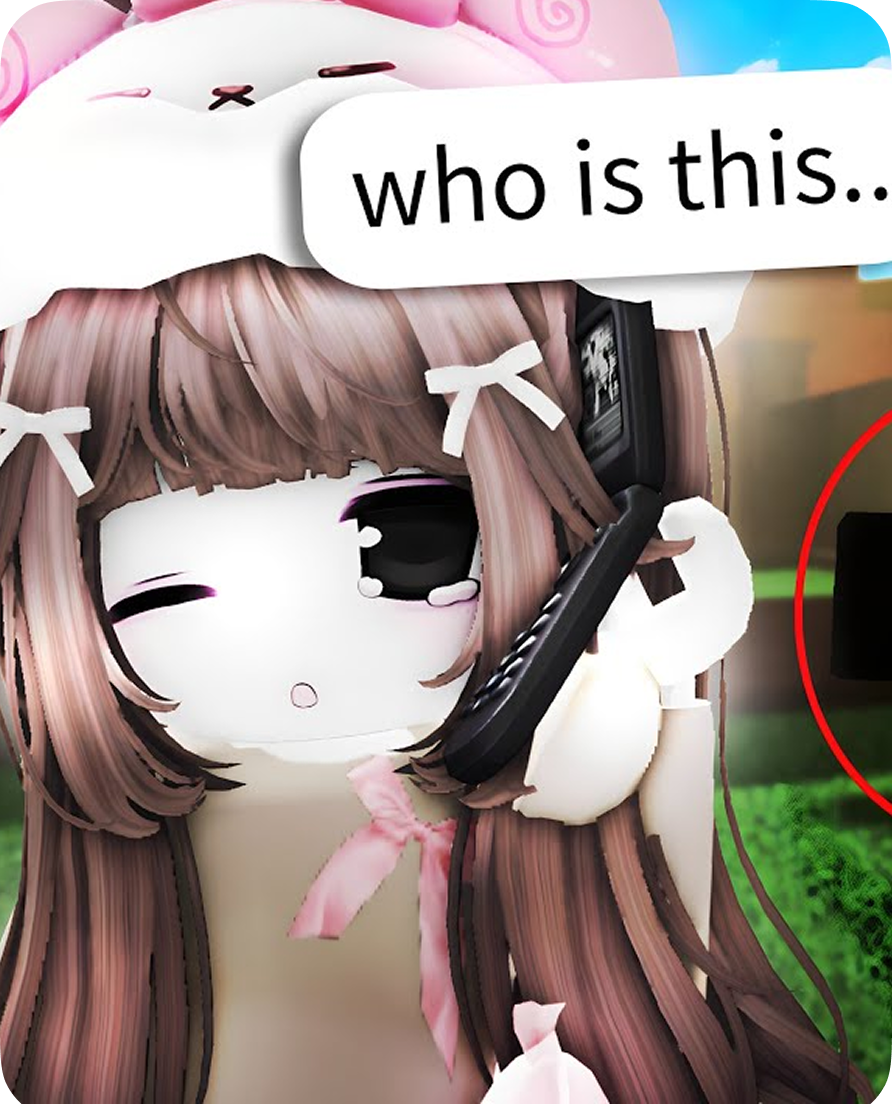
"I tried out EaseUS VoiceWave for a prank in Roblox, and honestly, the girl voice changer is no joke—it's super convincing and worked in real-time without any weird distortion. My friend totally fell for it, and the whole thing was hilarious."
User Story 3 youtube-play
Author 1
Fxtch
"EaseUS VoiceWave isn't just about voice changers, so not only can you be your favorite game characters, but there's a soundboard, which is great for trolling and also general microphone enhancement."
Get Facebook Messenger Voice Changer Now

Frequently Asked Questions

1. Can I use a voice changer on the standalone Messenger PC app or Messenger.com? arrow

2. How do I change my microphone and audio input device for calls on the Facebook website? arrow

3. Why is my microphone not picking up my voice during a Facebook browser call? arrow

4. Why do my desktop chat buddies hear a terrible echo when I talk on the computer? arrow

5. How do I resolve the "No Audio Device Detected" error on Windows 10/11? arrow

easeus voicewave

Ready to Surprise Your Friends on Messenger?

Don't let your next Facebook call be just another boring conversation. Download EaseUS VoiceWave for your Windows PC right now, set your default browser microphone, and instantly step into hundreds of hilarious, robotic, or anonymous characters. It takes less than two minutes to set up—get started for free and completely change the way you chat today!

footer-bg
Change Your Voice VoiceWave App
Download on the App Store
Free Download