





VoiceWave Logo VoiceWave
Change Voice Now

AI Voices We Pick

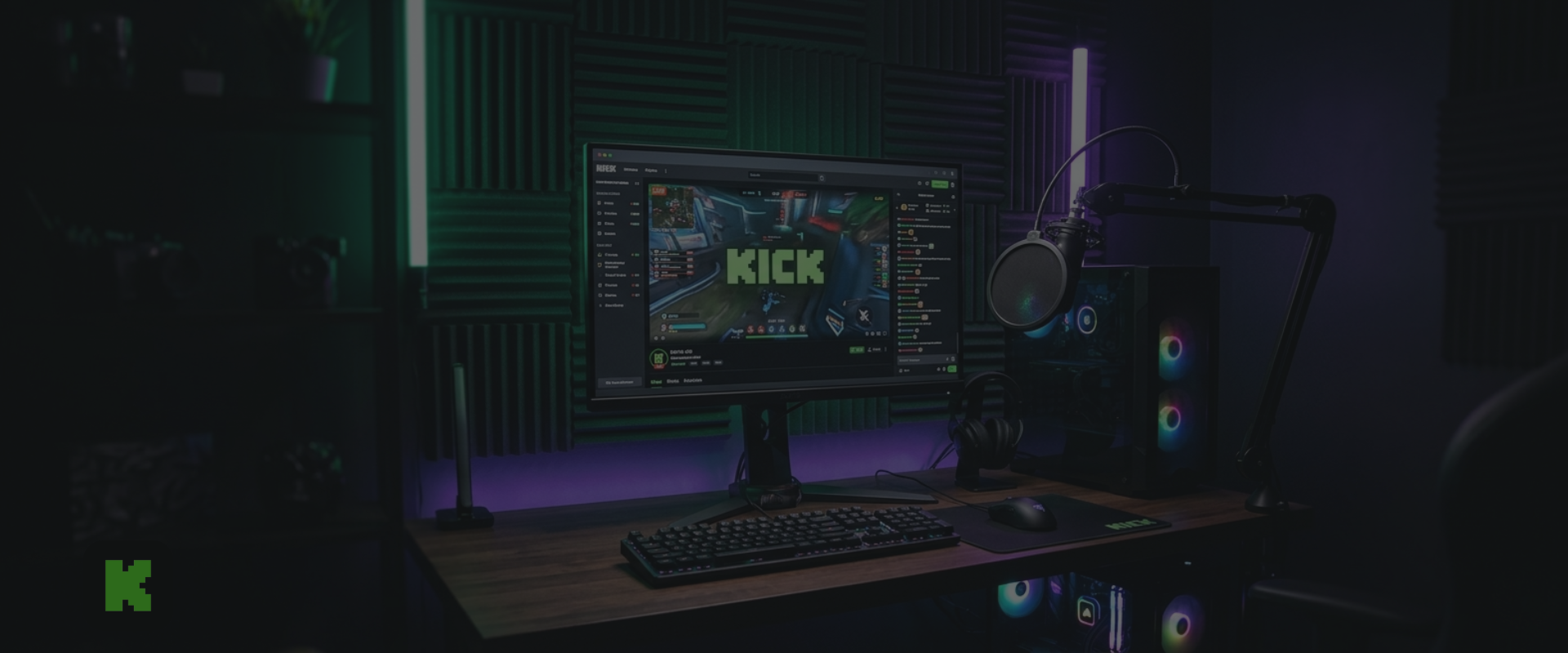
The Ultimate Kick Voice Changer for Live Streaming & Creators

Built for Kick: Elevate Your Broadcast with Interactive Audio

webp

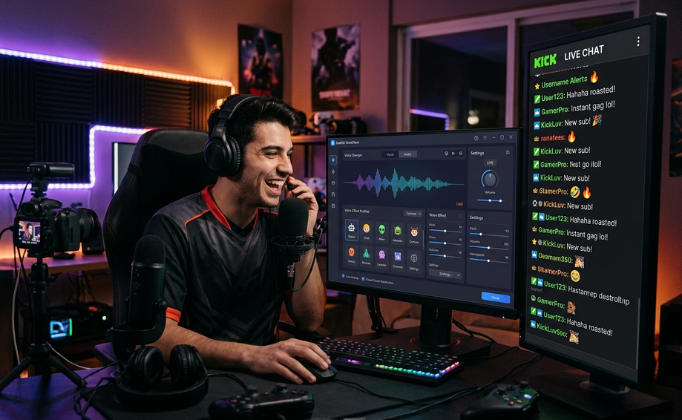
Tailored for Kick's High-Velocity Live Chat

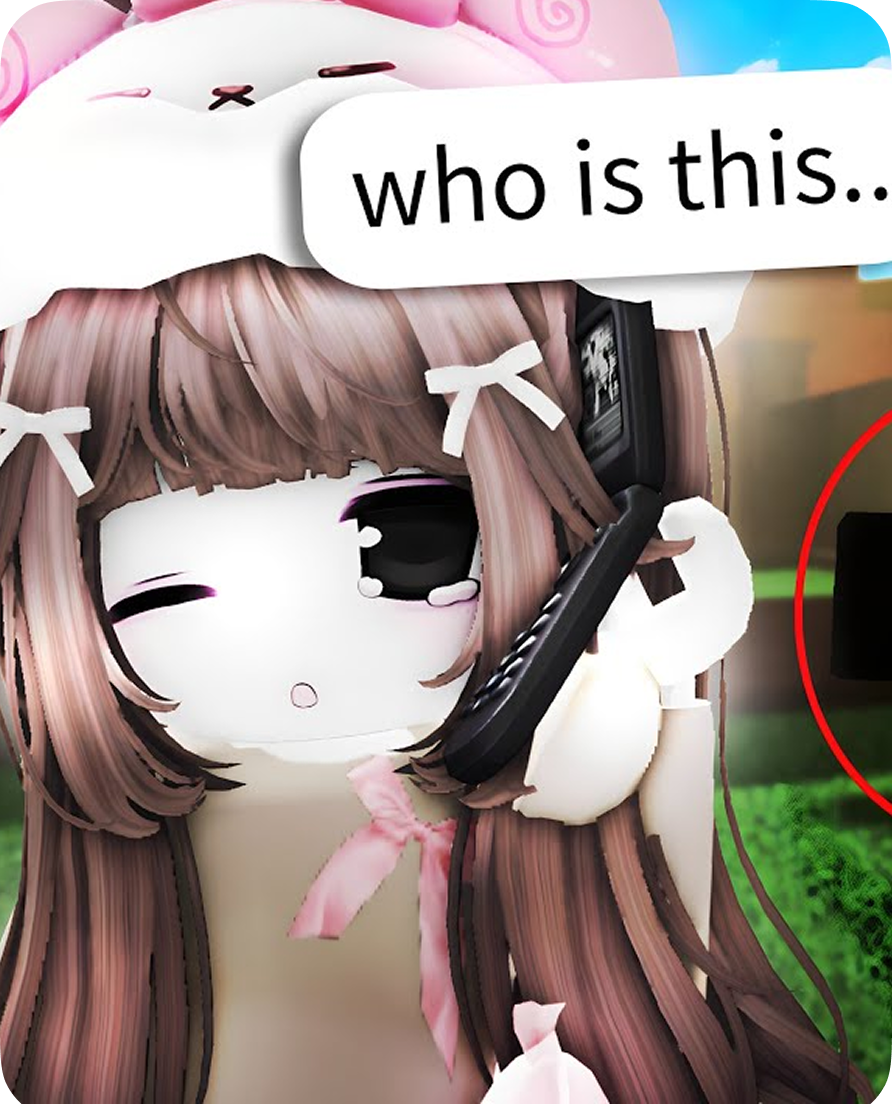
Kick is famous for its hyper-fast viewer interaction. EaseUS VoiceWave integrates seamlessly into this fast-paced chat rhythm, processing your voice instantly with ultra-low latency. This ensures you can roast your chat, drop instant voice gags, and reply to subs in real time without breaking the conversation flow.
Download For Free
webp

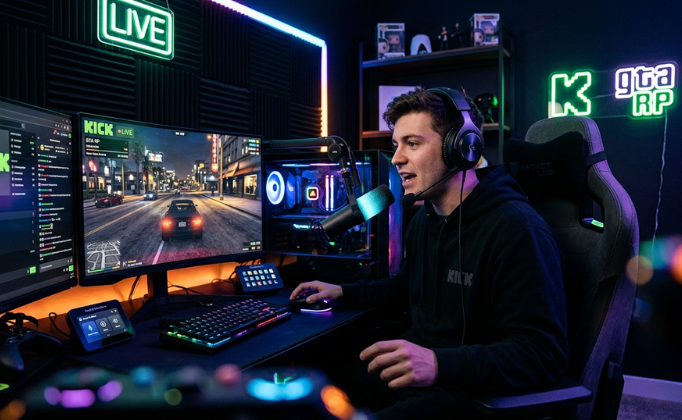
Direct Support for Kick's Top Streaming Categories

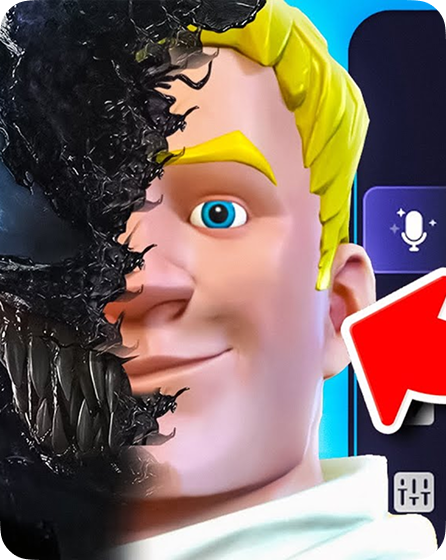
From dominating the GTA RP servers to pulling off intense tactical clutches, your audio needs to match your content. Easily configure high-fidelity voice profiles that fit Kick’s unique streaming subcultures, helping you build an unforgettable stream persona that stands out on the directory.

Download For Free
webp

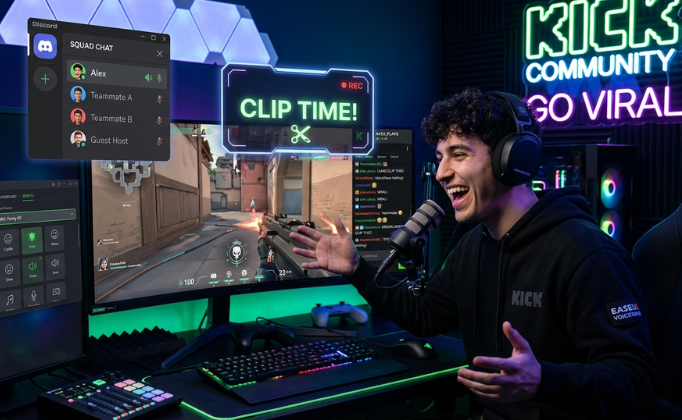
Create Clip-Worthy Moments for Your Kick Community

Turn standard broadcasts into viral content. Seamlessly bridge your voice changer with Discord squad streams to prank fellow creators, or trigger custom soundboards during intense Kick chat banter. Give your viewers the exact type of raw, entertaining moments that drive clips and channel growth.

Download For Free

Why Choose EaseUS VoiceWave

Presets Icon
Presets Icon

Real-Time Voice Modification

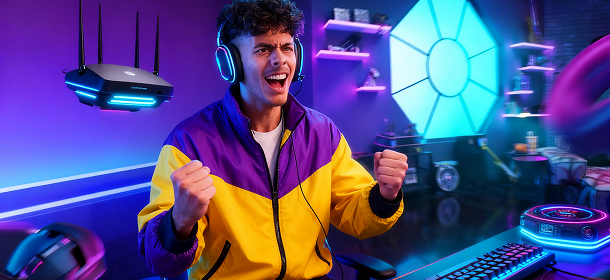
Transform your voice into your favorite anime characters, celebrities, or even different genders instantly, whether in gaming, online chatting, or live streaming with minimal lag or distortion.

Real-Time Voice Modification Preview
Presets Icon
Presets Icon

Integration with 2000+ Platforms

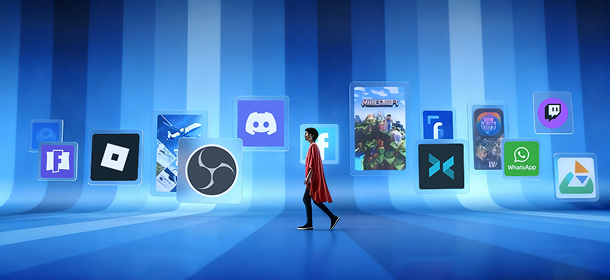
VoiceWave supports 2000+ online games (Roblox, Fortnite), stream apps (Twitch, OBS, XSplit) and chat apps (Discord, WhatsApp) for a smooth and effortless experience.

Real-Time Voice Modification Preview
Presets Icon
Presets Icon

400+ AI Voices

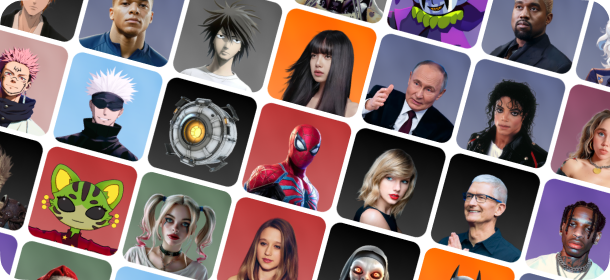
VoiceWave has a voice effect for every mood and occasion. It offers more than 400 AI voice effects, ranging from anime, cartoon, games, sports, to celebrities, and movies.

Real-Time Voice Modification Preview
Presets Icon
Presets Icon

Your Voice Customization

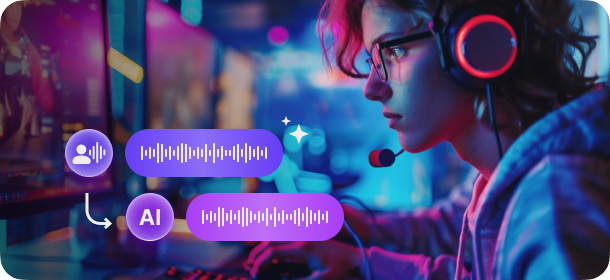
Customize any of our 400+ voices to create a version that's uniquely you. Or start from scratch and create something completely new by tweaking pitch, gender, or age, or add effects.

Real-Time Voice Modification Preview

How to Optimize Your Kick Stream Audio

Step 1
Step 1

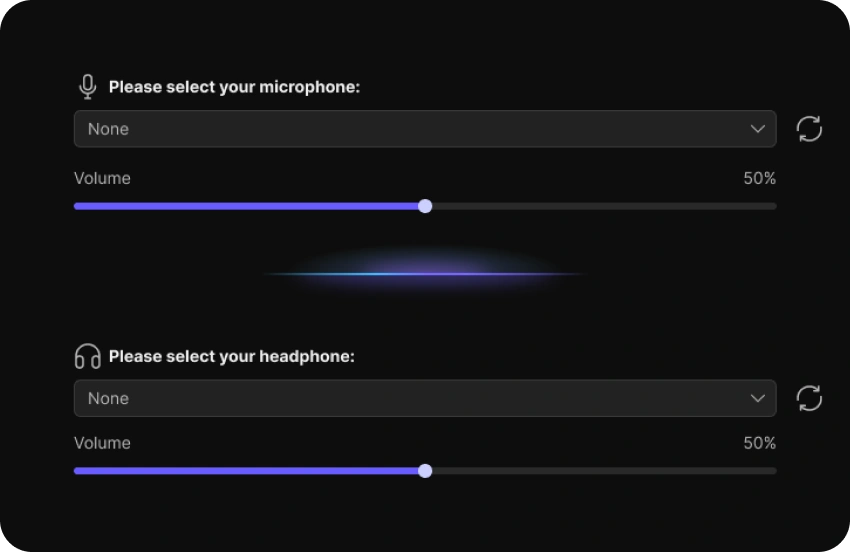
Download and launch EaseUS VoiceWave, then open "Settings" to select your input and output devices.

Step 2
Step 2

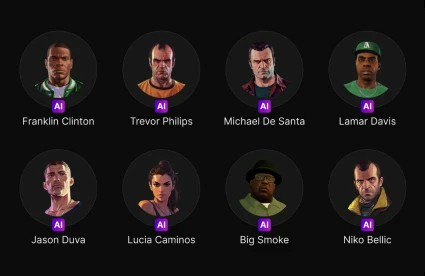
Browse through the extensive library of voice filters, such as GTA RP characters or custom male/female effects, and choose the one you want to feature on your live stream.

Step 3
Step 3

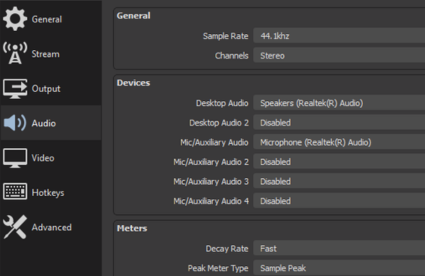
Open your preferred streaming software (like OBS Studio or Streamlabs). Go to Audio Settings, find your Mic/Auxiliary Audio device drop-down, and select "VoiceWave Microphone" as your primary input.

Our User Stories

User Story 1 youtube-play
Author 1
BareFox
> "So if you are a new content creator or want to take your content to the next level by modulating your voice in real time, then I have something that can change your life. Introducing EaseUS VoiceWave—a one-stop shop solution for complete voice modulation in real time."
User Story 2 youtube-play
Author 1
Jakynol
"I tried out EaseUS VoiceWave for a prank in Roblox, and honestly, the girl voice changer is no joke—it's super convincing and worked in real-time without any weird distortion. My friend totally fell for it, and the whole thing was hilarious."
User Story 3 youtube-play
Author 1
Fxtch
"EaseUS VoiceWave isn't just about voice changers, so not only can you be your favorite game characters, but there's a soundboard, which is great for trolling and also general microphone enhancement."
Get Kick Voice Changer Now

Frequently Asked Questions

1. Will using EaseUS VoiceWave cause audio lag or delay on my Kick live stream? arrow

2. Does running the voice changer in the background affect my gaming performance or stream FPS? arrow

3. How do I separate my game audio, Discord, and mic feed properly for a Kick stream? arrow

4. Why is my microphone or audio source not showing up or picking up sound in OBS when streaming to Kick? arrow

5. How can I block background noise and keyboard clicks on my Kick live stream? arrow

easeus voicewave

Ready to Surprise Your Kick Chat?

Upgrade your stream audio today. Get access to dozens of real-time voice filters, custom soundboards, and effortless OBS integration perfectly optimized for the fast-paced Kick community. Download EaseUS VoiceWave for free and create your first viral stream moment.

footer-bg
Change Your Voice VoiceWave App
Download on the App Store
Free Download