








VoiceWave Logo VoiceWave
  • User Guide
  • Features & Scenarios
  • Voice Effects
  • FAQs
Change Voice Now

See a CS:GO Voice Changer in Real Gameplay

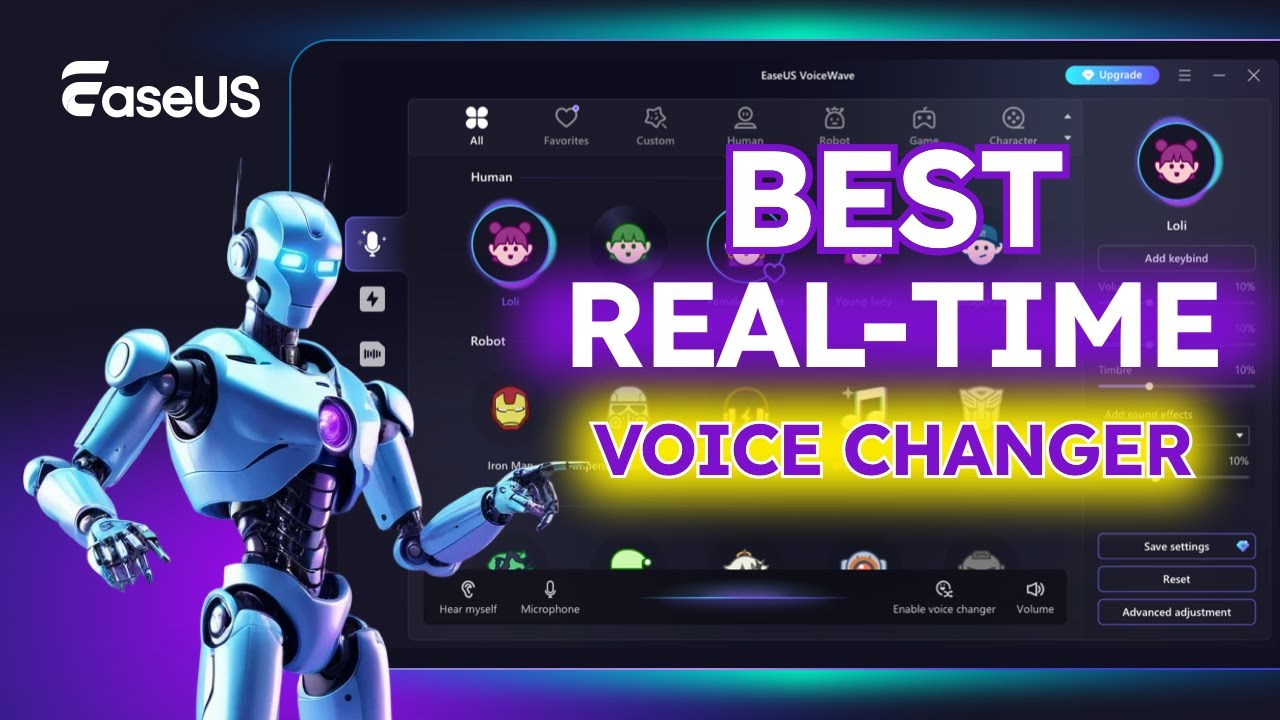
Discover how EaseUS VoiceWave transforms your voice instantly with crystal-clear AI effects perfect for CS:GO/CS2 trolling, team callouts, or just having fun in voice chat. This demo video showcases popular presets like anime characters, celebrities, and tactical radio voices with zero noticeable lag.

  • Step 1

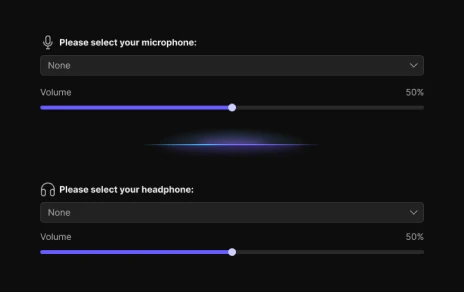
    Download and install EaseUS VoiceWave on your Windows PC. Open the software and follow the on-screen instructions to configure your input and output devices.

    open-discord-settings
  • Step 2

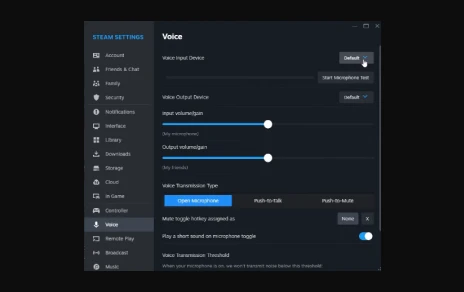
    Open Steam, go to "Settings" > "Voice," and select "VoiceWave Virtual Microphone" as your voice input device. This ensures your in-game voice comes through the VoiceWave software.

    set input device in steam
  • Step 3

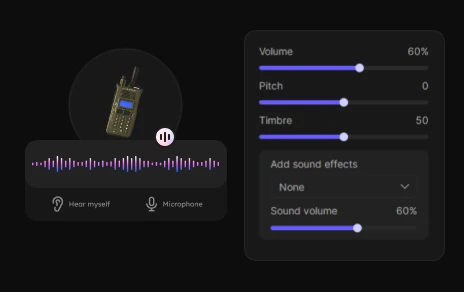
    Return to EaseUS VoiceWave, navigate to the "Real-time Voice Changer" tab, and browse the available voices. Click on the voice you want to use to apply it instantly during gameplay.

    choose voice in voicewave

Common Troubleshooting Tips

Fix CS:GO Voice Chat Not Working:

If CS:GO/CS2 voice chat isn't working with your voice changer, first set the EaseUS VoiceWave Microphone as the default communication device in Windows Sound settings, then in CS2 go to Settings > Audio > Voice and enable Push to Talk with volume at least 80%. Disable exclusive mode on your mic and restart the Windows Audio service if needed. For no effect in-game, launch VoiceWave first, select an effect, and ensure its virtual mic is default before starting CS2—restarting both usually fixes it. For lag or distortion, enable Low Latency Mode in VoiceWave and close conflicting apps like Discord noise suppression. Always run VoiceWave before launching the game.

Get CS:GO Voice Changer Now

Have Fun and Wow Your Friends in CS:GO with EaseUS Voice Changer

for competitive matches

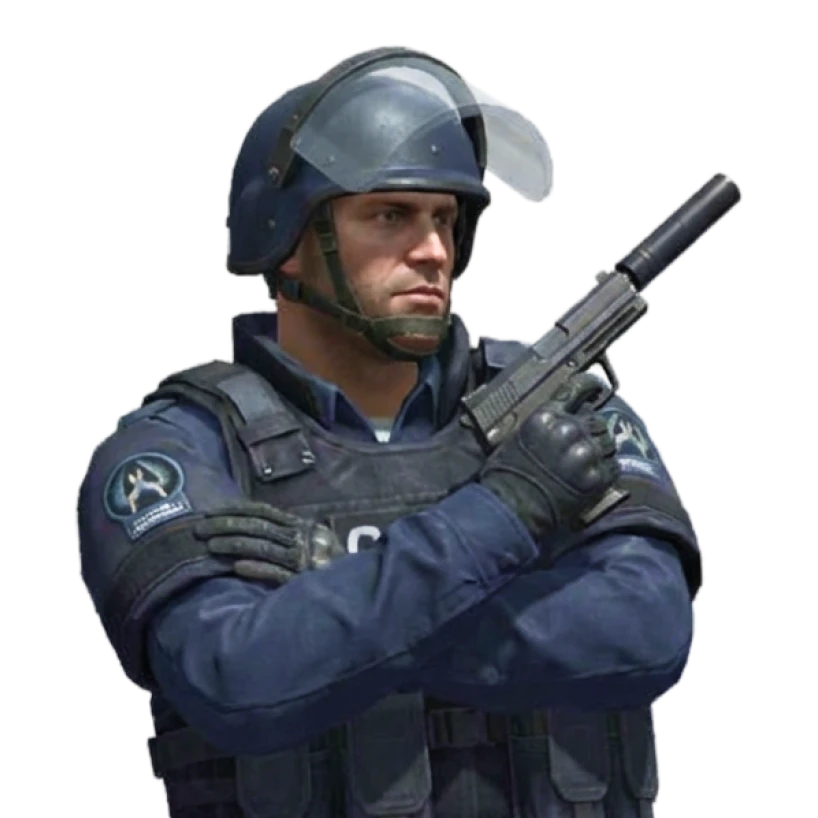
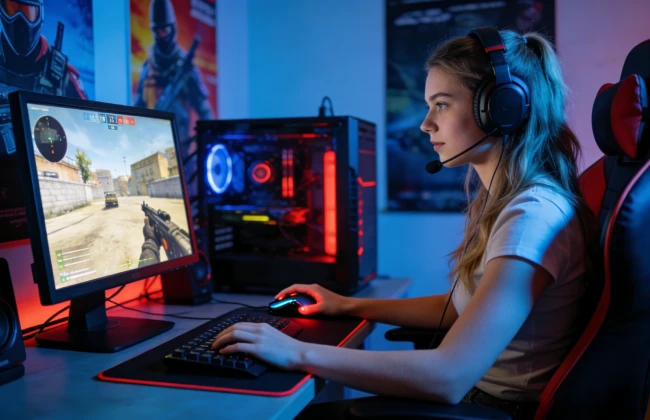
Competitive & Premier Matches: A CS:GO voice changer can elevate the intensity of high-stakes matches by letting you sound like a battle-hardened Counter-Terrorist commander or a gruff mercenary issuing tactical orders. These voice effects in this real-time PC voice changer tool blend seamlessly into CS:GO and CS2. Many players use CS2 voice effects to create a stronger in-game presence, sharpen team coordination, and add a touch of personality without affecting gameplay performance.

Free Download

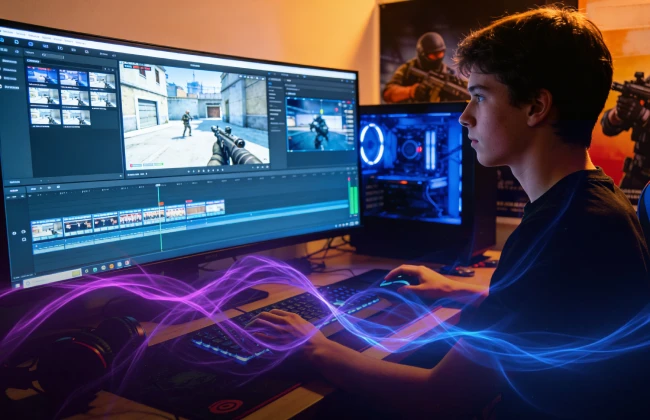
Streaming & Content Creation: For streamers and YouTubers, adding character-style voices with CS:GO voice effects and soundboards can instantly make videos more entertaining. You can switch between comedic operator impressions and stylized radio chatter. EaseUS VoiceWave helps content creators stand out in the FPS niche by giving frag montages, highlights, and live streams a distinct sound identity. A good voice changer makes your content more memorable and engaging.

Free Download
easeus voicewave for streaming
easeus voicewave for voice chat

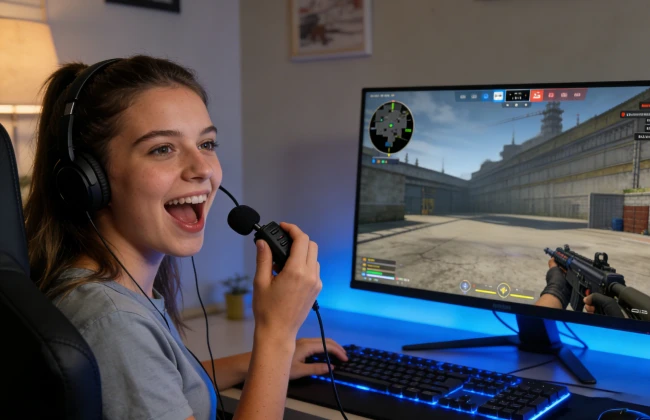
Voice Chat & Community: Play In casual lobbies, custom servers, or community matches, a CS:GO mic changer turns regular voice chat into a playful experience. You can mimic classic radio callouts, host themed role-play rounds, or use in-game voice filters inspired by CS characters to entertain your squad. Welcome FPS players to experiment with different voice effects during CS2 matches, adding humor, energy, and variety to every session.

Free Download

Selective AI Voices for CS:GO

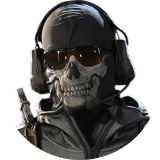
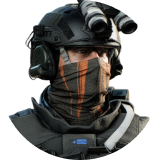
  • ghost
     

    Ghost

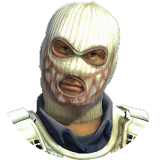
  • cs-phoenix
     

    CS Phoenix

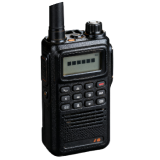
  • military-radio
     

    Military Radio

  • cs-sas
     

    CS SAS

  • loki
     

    Loki

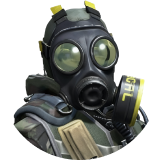
  • soldier
     

    Soldier

Get CS:GO Voice Changer Now

Why Choose EaseUS VoiceWave

  • AI-powered voice changer with highly realistic voices.

  • Over 200 trending voice effects available.

  • Seamlessly integrates with all major games and voice chat platforms.

  • Simple and intuitive with a 3-step setup.

  • Customize voice effects to your liking.

  • Essential voice changer you won’t want to live without.

Frequently Asked Questions

1. How to change the microphone in CS2?

2. Is it safe to use a voice changer with CS:GO or CS2?

3. Will a voice changer affect game performance or cause lag?

4. Is it legal to use a voice changer while gaming?

How to Use VoiceWave with Other Games & Chat Apps

  • discord
  • csgo
  • pubg
  • valorant
  • whatsapp
  • telegram
  • roblox
  • vrchat
 

EaseUS VoiceWave

Not Just a CS:GO Voice Changer

EaseUS VoiceWave is more than a CS:GO voice changer. With AI-powered voice effects, real-time modulation, and customizable filters, it lets you sound like any character you like, not limited to game characters. Perfect for competitive matches, streaming, or casual lobbies, VoiceWave works seamlessly across CS:GO, CS2, and other online games, making your in-game voice as dynamic and fun as your gameplay. Try EaseUS VoiceWave today!

Get CS:GO Voice Changer Now
footer-bg
Change Your Voice VoiceWave App
Download on the App Store
Free Download