Ultra-Low Latency Voice Processing
Ensure smooth, real-time communication during gameplay and live interaction. VoiceWave minimizes audio delay so voice effects stay perfectly synchronized across OBS, Discord, Twitch, and other streaming platforms.
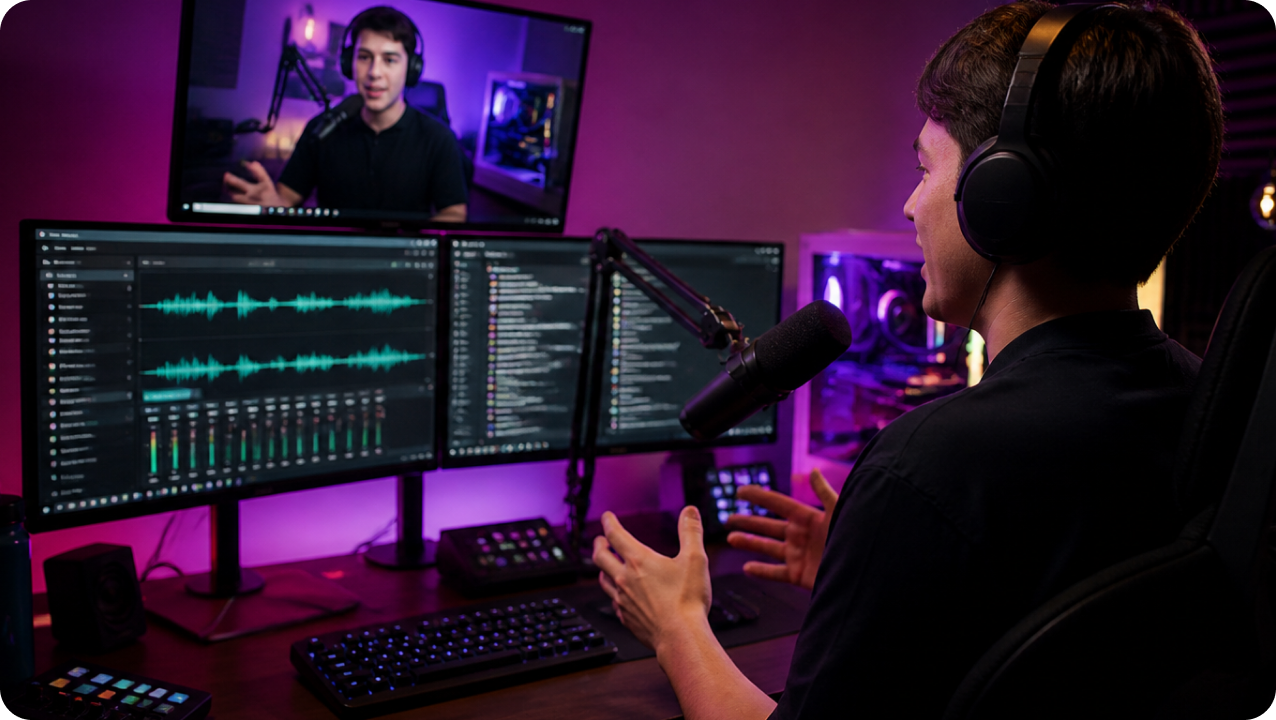
Explore how streamers use EaseUS VoiceWave in gaming, roleplay, and live chats. Select a scenario below to see how AI voice effects boost engagement and help create a unique streaming identity.
Choose a platform below to see which voice effects fit your streaming style best. Whether you're gaming on Twitch, going live on TikTok, hosting discussions on Discord, or building an audience on YouTube Live, explore how different voice personas can help you stand out, entertain viewers, and make your live content more engaging in real time.
Discover how EaseUS VoiceWave works through its key features, from real-time voice effects and AI voice personas to seamless OBS integration and noise reduction
Ensure smooth, real-time communication during gameplay and live interaction. VoiceWave minimizes audio delay so voice effects stay perfectly synchronized across OBS, Discord, Twitch, and other streaming platforms.
Skip complex audio routing. VoiceWave works as a virtual audio driver that connects directly with OBS, Streamlabs, and Discord, allowing instant voice switching with a simple setup and clean audio workflow.
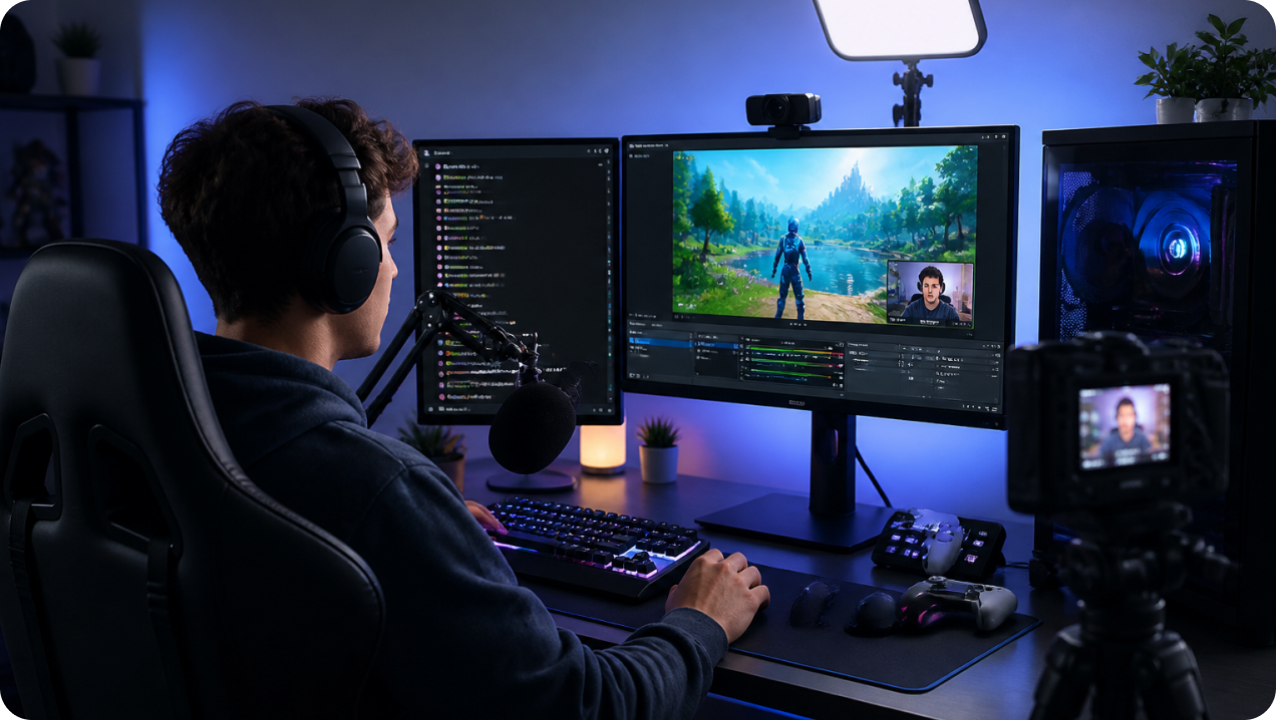
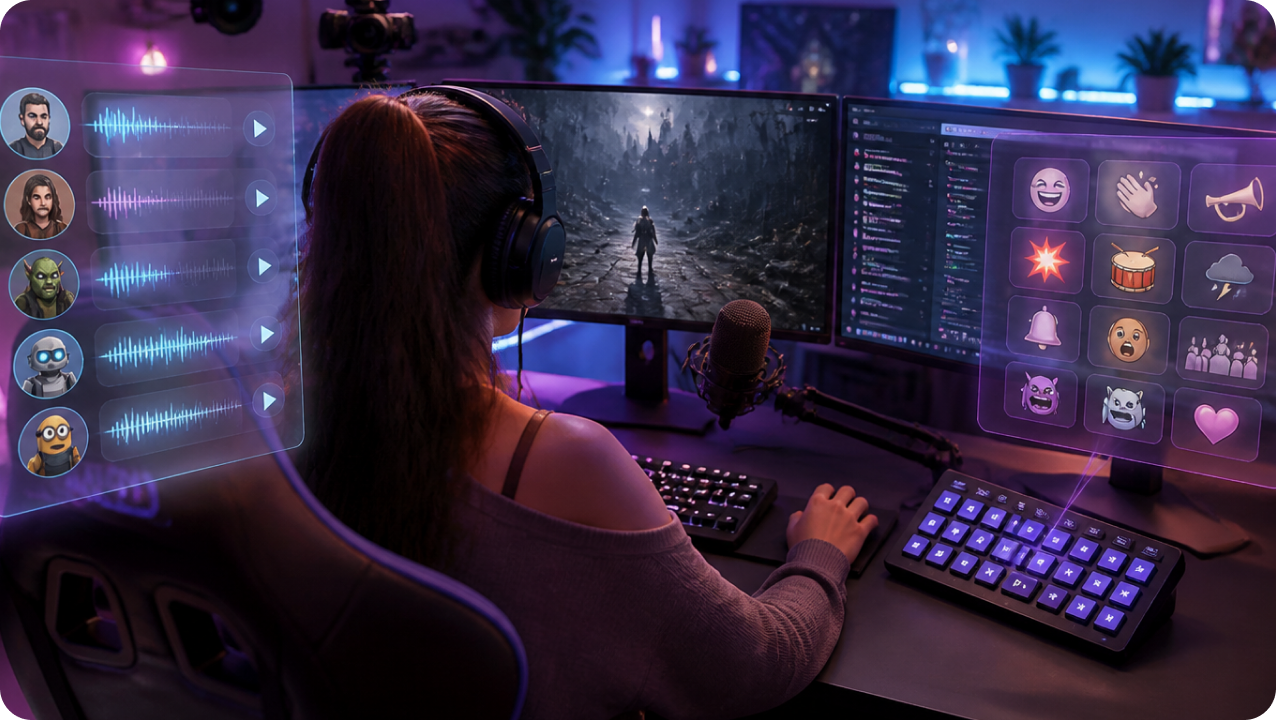
Choose from 400+ AI voice presets and 100K soundboards, including character voices, gender swaps, and game-inspired effects. Use hotkey-triggered soundboard sounds to react instantly during streams, gameplay, or live events.
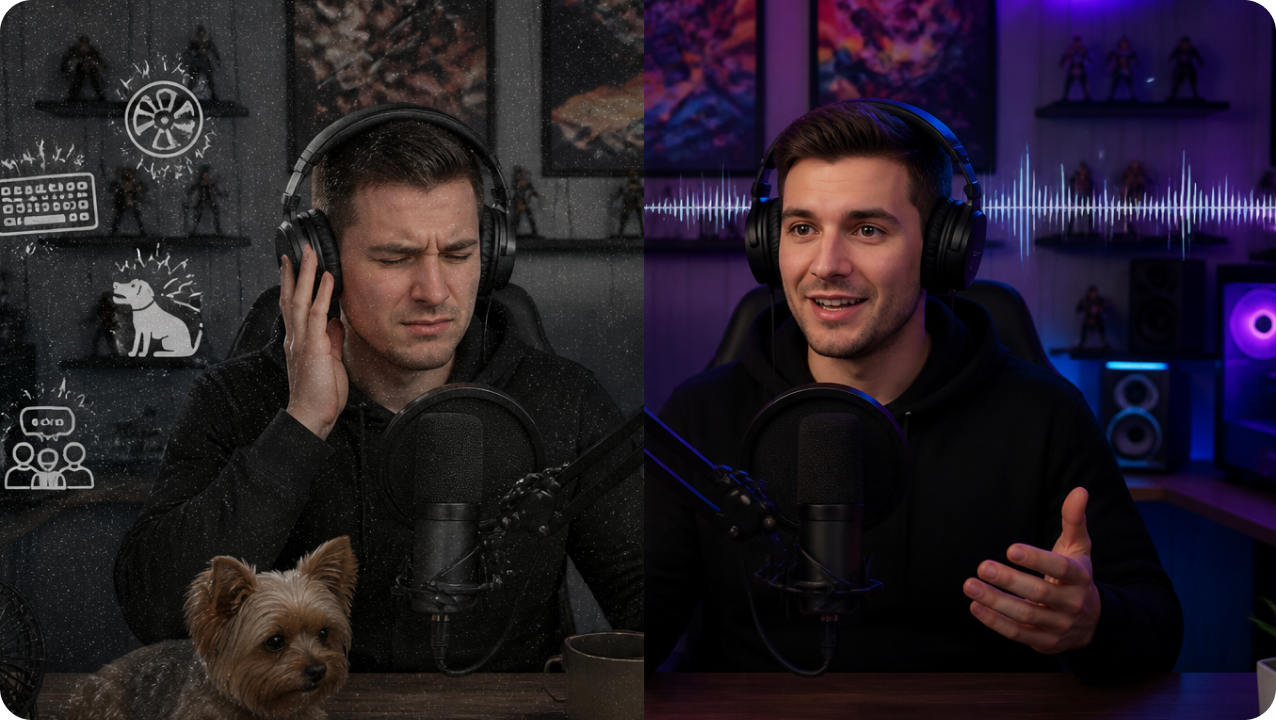
Remove background noise such as keyboard clicks, fans, and room echo in real time. VoiceWave helps deliver clear, professional-grade audio even in non-studio streaming environments.
One tool, all platforms. Experience real-time AI voices across all your favorite streaming platforms and games














The most popular AI voices used by live streamers now. Preview the top picks for your next stream.





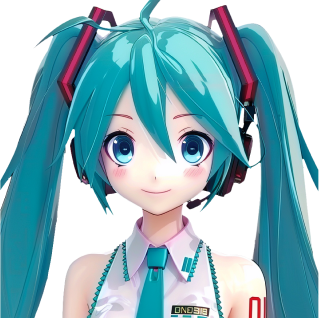






Watch how creators use real-time voice changers to supercharge their entertainment, boost chat engagement, and create unforgettable content.
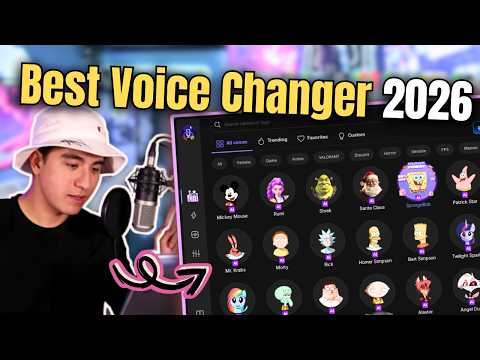
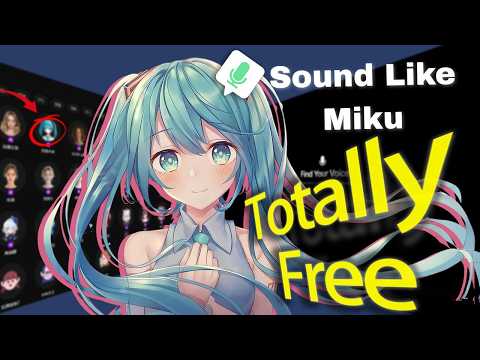
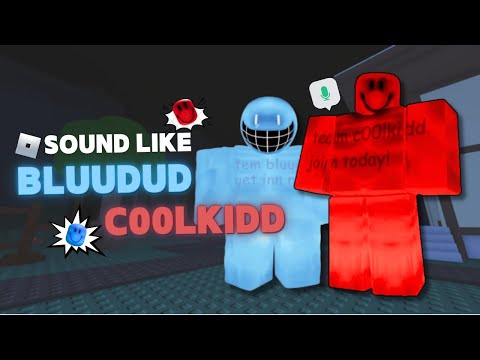
Explore practical guides to using voice changers in live streaming and content creation. Learn how to use a voice changer for platforms like Twitch, OBS, YouTube, and TikTok to enhance your overall streaming performance.
A voice changer can make your live streaming content more entertaining, memorable, and interactive. It helps you create different voices for different moments, characters, or game roles, which can keep viewers interested for longer. For gaming, comedy, and variety streams, it can also make your personality stand out more clearly.
Yes. EaseUS VoiceWave works with popular streaming and communication platforms like Twitch, YouTube Live, Discord, OBS Studio, Zoom, and Streamlabs. You simply select the VoiceWave Microphone as your input.
Yes, it is safe in most cases if you use a trusted tool and follow the platform's rules. A voice changer is generally fine for gaming, entertainment, and content creation, but you should avoid using it for harassment, impersonation, or anything that violates stream guidelines.
A good voice changer should keep latency low enough that the delay is barely noticeable in live streaming. For example, VoiceWave is designed for real-time use, so it can help you change your voice without disrupting the flow of your stream.
A voice changer should not seriously reduce microphone quality. VoiceWave includes microphone denoise features, which can help reduce background noise and keep your voice clearer during live streaming.
Popular livestream voice effects include anime voices, robot voices, deep male voices, girl voices, cartoon characters, celebrity-style effects, horror voices, and funny meme sound effects.
Many VTubers use voice changers to match their avatar personalities, create character consistency, or enhance roleplay experiences during live broadcasts.
Yes, VoiceWave allows you to customize pitch, tone, reverb, EQ, and background effects to build unique streaming voices and audio identities.
Copyright © EaseUS. All rights reserved.